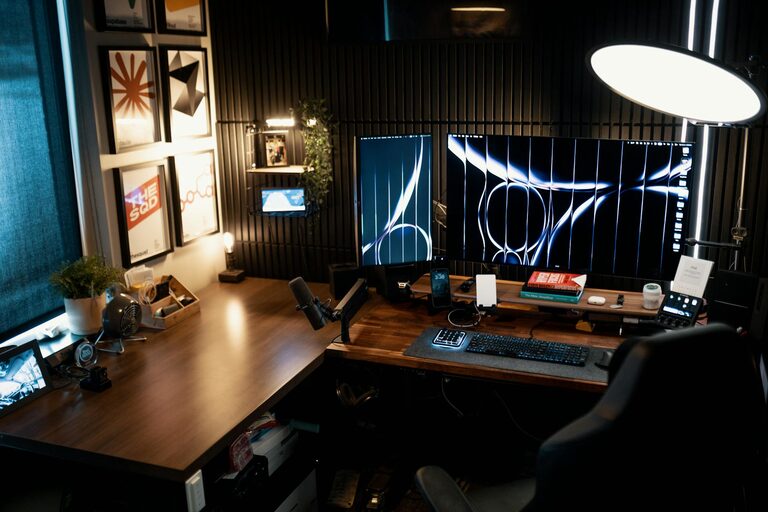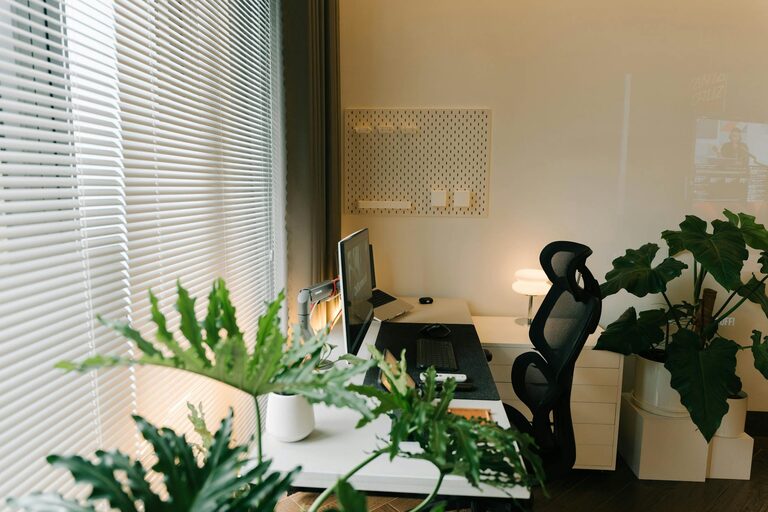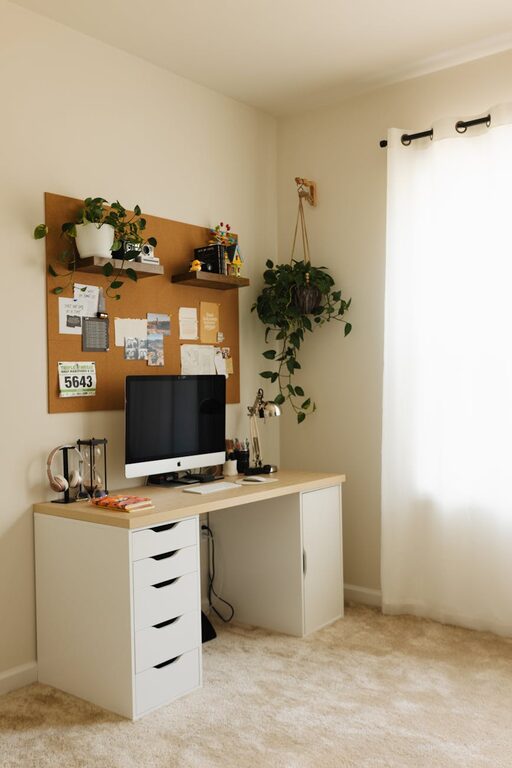
Creating a cozy and functional home workspace can make a significant difference in how productive and comfortable you feel while working from home. Whether you have a dedicated room or a small corner, setting up an environment that promotes focus and relaxation is key. In this blog post, we’ll explore actionable tips to help you create a workspace that combines comfort with efficiency.
Why a Cozy and Functional Workspace Matters
Your workspace influences your mood, energy, and work quality. A cluttered or uncomfortable area can lead to distractions and fatigue. Conversely, a well-organized, cozy spot can help you stay motivated and maintain good posture throughout the day.
1. Choose the Right Location
Consider natural light
Whenever possible, position your workspace near a window. Natural light helps reduce eye strain and boosts your mood.
Minimize distractions
Pick a quiet corner or room that limits noise and foot traffic. If this isn’t possible, invest in noise-canceling headphones or white noise machines to help stay focused.
2. Invest in Ergonomic Furniture
A comfortable chair
Select an adjustable chair with good lumbar support to prevent back pain.
A suitable desk
Look for a desk at the right height for comfortable typing and writing. Standing desks or adjustable sit-stand options are popular for their health benefits.
Monitor placement
Place your monitor at eye level to avoid neck strain, using a stand or stack of books if needed.
3. Optimize Your Lighting
Combine natural and artificial light
Use a combination of daylight and task lighting. A desk lamp with adjustable brightness can reduce eye strain during evening hours.
Avoid glare
Position screens perpendicular to windows and use curtains or blinds to control glare.
4. Add Cozy Elements to Make the Space Inviting
Soft textiles
Add a cushion, throw blanket, or a small rug to bring warmth and texture to your workspace.
Personal touches
Display inspiring art, photos, or plants to create a positive environment.
Temperature control
Consider a fan or heater for optimal comfort throughout different seasons.
5. Stay Organized and Clutter-Free
Storage solutions
Use shelves, drawers, or organizers to keep essential items within reach but out of sight.
Cable management
Use clips or ties to avoid tangled cords and maintain a neat desk.
Daily tidying routine
Spend a few minutes each day clearing your desk to help maintain focus and reduce stress.
6. Incorporate Technology Wisely
Reliable internet and equipment
Ensure your Wi-Fi connection is strong and your devices are up-to-date to avoid productivity interruptions.
Accessory upgrades
Wireless keyboards, mice, or charging stations can reduce clutter and improve ergonomics.
7. Create Zones for Different Activities
If space allows, set separate areas for different tasks. For example, use one spot for computer work, another for writing or brainstorming, and a comfortable chair for reading or phone calls.
8. Encourage Movement and Breaks
Include reminders to stand, stretch, or move regularly. Consider using a timer or apps that encourage breaks to maintain energy and focus.
Final Thoughts
Designing a cozy and functional home workspace doesn’t mean you need a large or fancy setup. It’s about making smart choices that fit your needs, improve comfort, and minimize distractions. By considering location, furniture, lighting, organization, and personal touches, you can create a space that helps you work more effectively and enjoyably every day.
Remember to adjust your setup as your needs change and make your workspace a welcoming spot that supports your productivity and well-being.
About the Author