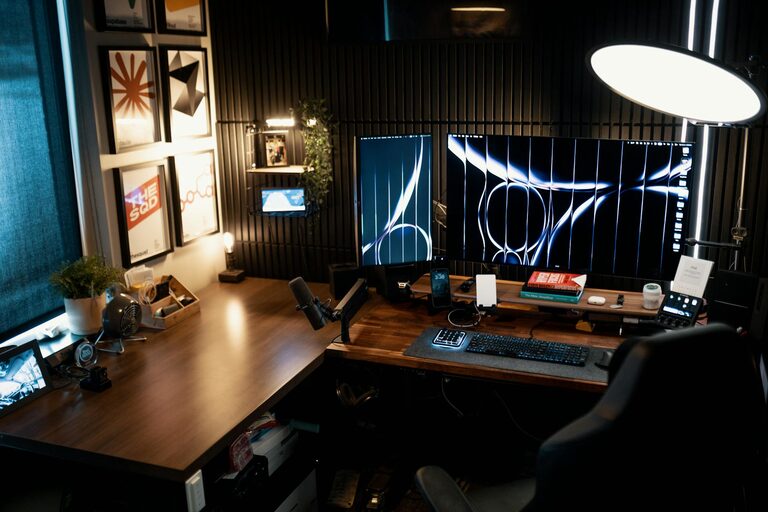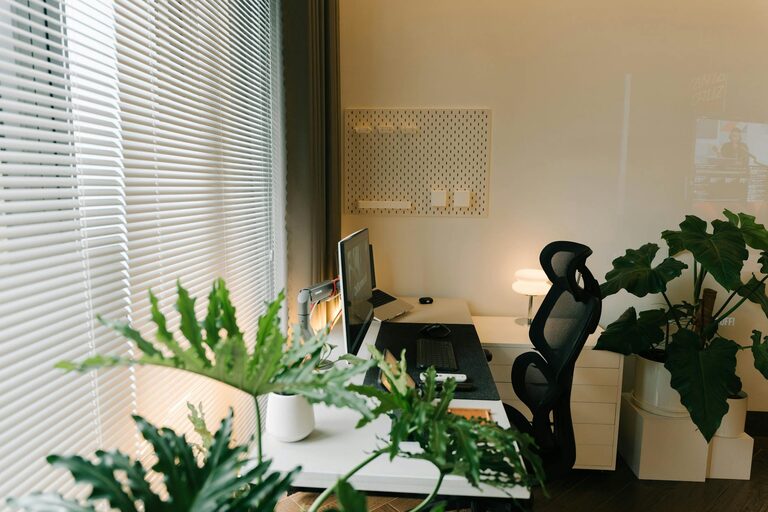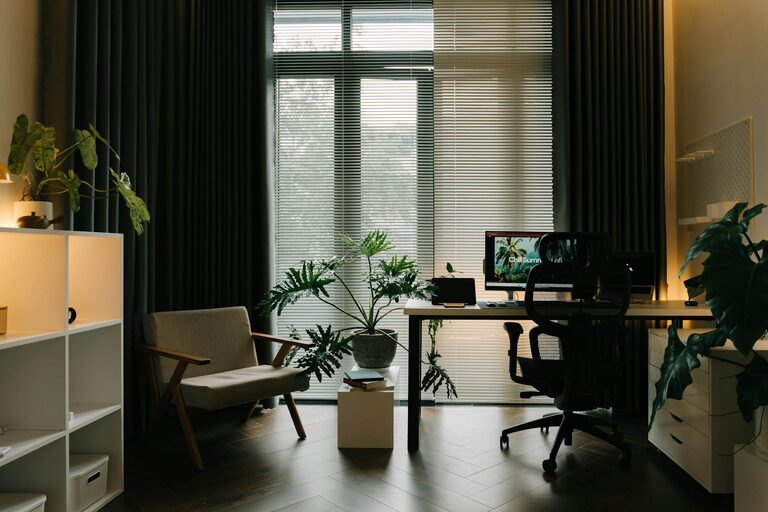
Creating a cozy and productive home workspace is essential for anyone working remotely or spending a significant amount of time completing tasks at home. The right environment can help you focus, stay organized, and feel comfortable, which in turn boosts your efficiency and well-being. In this post, we will explore practical tips to help you design a workspace that strikes the perfect balance between coziness and productivity.
Why a Comfortable Workspace Matters
Before diving into the setup process, it’s important to understand why comfort and productivity should go hand-in-hand. A workspace that feels welcoming and suits your needs can reduce stress and distractions, making your work hours more enjoyable and effective. Achieving this balance means paying attention to factors like lighting, ergonomics, organization, and personal touches.
Choosing the Right Location
Consider Natural Light
Natural light helps regulate your body clock and can improve mood and focus. Choose a spot near a window if possible. If natural light is limited, ensure you have adequate artificial lighting that mimics daylight.
Minimize Distractions
Select a quiet area of your home where you can concentrate with minimal interruptions. Avoid high traffic zones or places with loud noises.
Ergonomic Setup for Comfort and Health
Invest in a Good Chair
A comfortable, supportive chair protects your posture during long hours of work. Look for adjustable chairs with lumbar support to reduce back pain.
Desk Height and Monitor Position
Your desk should fit your height so your forearms are parallel to the floor when typing. Position your monitor so the top is at or slightly below eye level to prevent neck strain.
Keyboard and Mouse Placement
Keep your keyboard and mouse close enough so you don’t have to stretch. Consider ergonomic designs to reduce wrist fatigue.
Organizing Your Workspace
Declutter Regularly
A tidy desk limits distractions and helps you stay focused. Store items you rarely use out of sight and keep only essentials within easy reach.
Use Storage Solutions
Drawers, shelves, and organizers keep important documents, stationery, and gadgets neatly arranged. Label storage to find items quickly.
Cable Management
Unmanaged cords can create clutter and frustration. Use cable clips or sleeves to keep cords bundled and out of the way.
Enhancing Focus and Motivation
Personalize Without Overdoing It
Add a few personal items such as photos, plants, or artwork to make your space inviting, but avoid overcrowding the desk.
Set Boundaries
If you share your space with family or roommates, clearly establish your work hours and boundaries to minimize interruptions.
Use Background Music or White Noise
Some people find soft background music or white noise helpful for concentration. Experiment to see what works for you.
Lighting Tips for Productivity and Comfort
Layered Lighting
Combine ambient, task, and accent lighting to create a flexible lighting environment. A desk lamp with adjustable brightness is a great addition.
Avoid Glare
Position your computer screen perpendicular to windows and light sources to reduce glare.
Maintaining Your Workspace
Regular Cleaning
Dust and clean your workspace regularly to create a fresh environment. This also helps maintain your equipment.
Refresh the Space
Every few weeks, rearrange or add new elements to keep your workspace inspiring and prevent monotony.
Incorporating Break Zones
If space allows, create a small area nearby for breaks. A comfortable chair or cushion encourages you to step away from the desk, boosting mental clarity.
Final Thoughts
Designing a cozy and productive home workspace is about tailoring the environment to your needs and preferences. Prioritize comfort, organization, and personalization while minimizing distractions to create a space where you can work efficiently and feel at ease. With these tips, you’ll be well on your way to making your home office a place you enjoy spending time in.
—
Having an effective workspace at home is a key factor in work-life balance, and small adjustments can make a big difference. Whether you’re new to remote work or looking to improve your current setup, these guidelines provide a strong foundation for a better working experience.
About the Author